Cloudflare Workers SaaS SEO: How I Ship a Fast, Crawlable Serverless Site
The plain, first-person way I keep a Cloudflare Workers SaaS fast and crawlable — server-rendered HTML crawlers can read, a correct robots.txt and sitemap, self-referencing canonicals, and the subdirectory-proxy pattern for putting a blog on the same domain. With the real Core Web Vitals thresholds and sources.
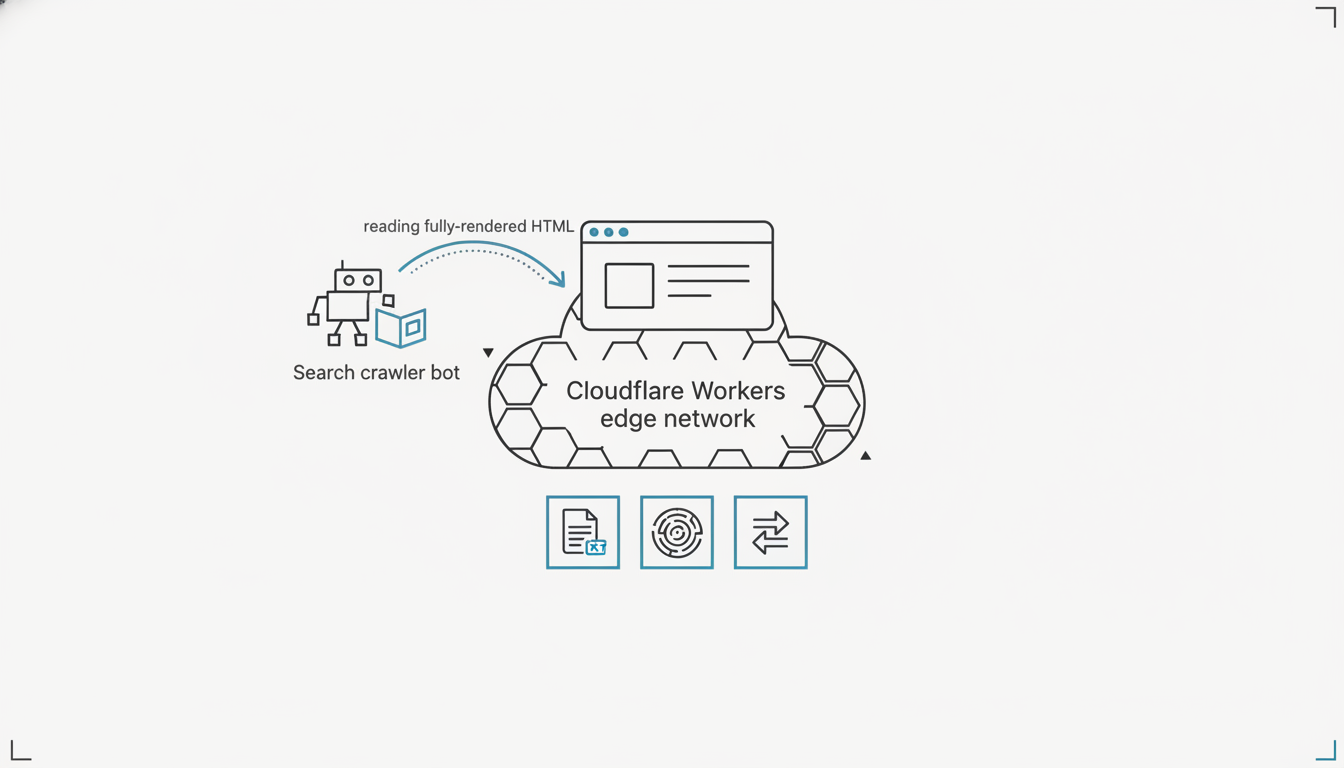
To make a Cloudflare Workers SaaS crawlable and fast, serve real server-rendered HTML on every public route (not a blank div hydrated by JavaScript), ship a correct robots.txt and sitemap.xml, set a self-referencing canonical on each page, and put your blog on a /blog subdirectory via a Worker reverse proxy so all your authority lands on one domain. That's the whole checklist. Workers gives you speed for free — the hard part is making sure a crawler sees the same content your users do. I run SEO audits and Core Web Vitals checks on exactly this stack inside 1mn, and the same five issues come up almost every time. This is how I fix them.
If you also want AI answer engines to quote you — not just Google to rank you — pair this with my solo founder's GEO playbook for getting cited by ChatGPT, which covers the answer-first structure and attribution that these crawlability fixes make possible.
Why Cloudflare Workers is great for SEO — and where it bites
Cloudflare Workers is one of the best places to host a SaaS for SEO, because speed and global reach come standard — but it will happily serve crawlers an empty page if you let the browser do all the rendering. The runtime executes at the edge, close to the user, so time-to-first-byte is low without a CDN bolt-on. That's a real head start on Core Web Vitals.
The trap is rendering strategy, not the platform. If your marketing pages are a client-side SPA that boots into <div id="root"></div> and fetches content with JavaScript, a crawler in static mode sees the empty div. As isagentready.com notes about Cloudflare's own crawl endpoint, "Sites relying on client-side rendering for their main content will return empty pages in static mode. Server-side rendered sites work perfectly."
So the SEO job on Workers isn't speed — you already have that. It's making the HTML complete before it leaves the edge. Everything below serves that one goal.
The 5 fixes that matter, ranked
Here's the whole checklist, in priority order, before we go deep on each.
| # | Fix | Why it matters | Effort |
|---|---|---|---|
| 1 | Server-render public routes | Crawlers read HTML, not your JS bundle | Medium |
| 2 | Correct robots.txt + sitemap.xml | Discovery and crawl control | Low |
| 3 | Self-referencing canonical per page | Kills duplicate-URL dilution | Low |
| 4 | Blog on /blog subdirectory (Worker proxy) | All authority on one domain | Medium |
| 5 | Guard Core Web Vitals at the edge | Passing CWV is a ranking signal | Low–Medium |
Fix 1: Serve server-rendered HTML on every public route
Every public page a crawler should index must return complete HTML on the first request, before any JavaScript runs. On Workers this is straightforward with a framework that server-renders at the edge — React Router / Remix, Astro, or Next on the Workers runtime — where the Worker returns the finished markup and hydration is an enhancement, not a requirement for content to exist.
The test is brutal and simple: curl your page and read the output.
curl -s https://yoursaas.com/pricing | grep -i "your headline text"
If your actual copy is in that response, crawlers can read it. If you get an empty shell and a script tag, you have a rendering problem no amount of keyword work will fix. Per metricfixer.com's Cloudflare crawlability guidance, you should "avoid Workers or transforms that cause crawlers to see materially different content from users" — the HTML the bot gets must match the page the human gets.
Keep authenticated app routes (dashboards, onboarding) client-rendered if you like — they're behind a login and shouldn't be indexed anyway. It's the public surface that needs real HTML.
Fix 2: Ship a correct robots.txt and sitemap.xml
robots.txt tells crawlers where they can go and where the sitemap lives; sitemap.xml hands them the exact list of URLs to index. On Workers you can serve both as static assets or from a route handler. A clean SaaS robots.txt looks like this:
User-agent: *
Allow: /
Disallow: /dashboard
Disallow: /onboarding
Disallow: /login

Sitemap: https://yoursaas.com/sitemap.xml
Two things founders get wrong here. First, they forget the Sitemap: line, so discovery relies entirely on link-crawling. Second, they accidentally block AI crawlers. If you want visibility in AI search, explicitly allow the answer-engine bots — GPTBot, ClaudeBot, PerplexityBot, Google-Extended — rather than letting a blanket rule or a Cloudflare bot-fight setting quietly turn them away.
For the sitemap, generate it from your content registry on every build so it never drifts. Include <lastmod> in ISO 8601 format on each URL — Cloudflare's own robots/sitemap best-practices doc recommends it "to help the crawler identify updated content" — and keep each file under 50,000 URLs. For a solo SaaS you'll be nowhere near that limit, so one flat sitemap is plenty.
Fix 3: Set a self-referencing canonical on every page
A canonical tag tells search engines which URL is the real one, so /pricing, /pricing/, /pricing?ref=twitter, and https://www.yoursaas.com/pricing all consolidate into a single ranking entity instead of competing as duplicates. Add one <link rel="canonical"> to the <head> of every page, pointing at that page's clean, absolute URL:
<link rel="canonical" href="https://yoursaas.com/pricing" />
This matters more on Workers than on a traditional host because it's so easy to end up with multiple hostnames — your *.workers.dev preview URL, an apex, a www, maybe a staging subdomain. As metricfixer.com puts it, "Choose one canonical URL for each page, redirect alternatives to it, and submit canonical URLs in sitemaps." Pick apex or www, 301-redirect the other, and make every canonical point at the winner.
While you're there: block your *.workers.dev preview hostname from indexing entirely (serve it a Disallow: / robots.txt based on the request host), so Google never indexes your staging copy as duplicate content.
Fix 4: Put your blog on /blog, not blog.yoursaas.com
Host your blog as a /blog subdirectory on your main domain, not a separate subdomain, so every backlink and keyword strengthens one root domain instead of being split across two. This is the single highest-leverage structural decision for a young SaaS site, and Workers makes it painless.
Google treats subdomains and subdirectories as technically equal — but the practical SEO reality is about where authority accrues. Cloudflare's own two-part engineering series on this is blunt: "The subdirectory strategy more effectively boosts a site's search rankings by ensuring that every keyword is attributed to the root domain instead of diluting across subdomains." A new domain needs every scrap of authority pointing at one place.
The catch is that most blog platforms (Ghost, a separate Astro build, a hosted CMS) want to live on their own host. The fix is a Worker reverse proxy: run your blog at blog-origin.yoursaas.com, then add a Worker on the route yoursaas.com/blog* that fetches the origin behind the scenes and returns it under the main domain.
export default {
  async fetch(request) {
    const url = new URL(request.url);
    // Serve the blog origin's content under the main domain's /blog path.
    const originUrl = url.toString().replace(
      "https://yoursaas.com",
      "https://blog-origin.yoursaas.com"
    );
    const originResponse = await fetch(originUrl);
    return new Response(originResponse.body, originResponse);
  },
};
The browser — and every crawler — thinks the content lives at yoursaas.com/blog. It happens in a few milliseconds at the edge, and your blog's links now feed your root domain's authority instead of a sibling subdomain's.
Fix 5: Guard Core Web Vitals at the edge
Core Web Vitals are a confirmed Google ranking signal, and the passing thresholds are specific: Largest Contentful Paint ≤ 2.5s, Interaction to Next Paint ≤ 200ms, and Cumulative Layout Shift ≤ 0.1, each measured at the 75th percentile of real visits. INP replaced First Input Delay as a Core Web Vital in March 2024, so if you're still optimizing for FID, you're measuring the wrong thing.
Workers hands you LCP on a plate — edge rendering means fast TTFB — but you can still lose it with layout shift and heavy JavaScript. The edge-native moves that protect your scores:
- Set explicit
widthandheight(oraspect-ratio) on every image so nothing reflows as it loads — that's your CLS budget. - Serve images as WebP/AVIF and let Cloudflare's image resizing do the work at the edge.
- Set long
Cache-Controlheaders on static assets via a_headersfile or in the Worker. - Ship less JavaScript to public pages — the SPA that hurts your crawlability in Fix 1 is usually the same bundle hurting your INP here.
Measure with PageSpeed Insights or Search Console's Core Web Vitals report, not a one-off local Lighthouse run — field data at the 75th percentile is what actually feeds rankings.
How 1mn runs this checklist as a loop
The reason I can list these five fixes from memory is that I watch them run every week on real Workers sites — 1mn is the autonomous agent I built to run the marketing loop of a one-person SaaS, and technical SEO is part of it. Instead of me remembering to curl my pages, check the sitemap, and re-test Core Web Vitals, a scheduled routine does it on a cron: it audits crawlability, pulls PageSpeed Insights lab metrics against the LCP/INP/CLS thresholds above, checks robots.txt and canonical coverage, and files each issue as a ticket with the fix spelled out.
Nothing ships without me. Every irreversible action — a code change, a deploy, a spend — waits behind a human gate, so the agent recommends and I approve. It's built for exactly this stack: native Cloudflare (Workers, Pages, D1, R2, Queues, Web Analytics) and Vercel support, connected to my GitHub repo. If you're a solo founder tired of technical SEO being the chore you skip, start the 14-day free trial (no per-seat pricing, cancel anytime) and connect a Cloudflare/Vercel + GitHub project to activate the loops.
If you're still setting up the agent side of this stack, my companion guide on how to deploy AI agents on Cloudflare Workers walks through the Durable Objects, cron scheduling, and human-gate architecture underneath.
FAQ
Is Cloudflare Workers good for SEO? Yes — Workers is one of the better SaaS hosts for SEO because edge rendering gives you a low time-to-first-byte and strong Core Web Vitals by default. The one requirement is that you server-render your public pages so crawlers receive complete HTML rather than an empty JavaScript shell.
Do I need server-side rendering on Cloudflare Workers for SEO? For any page you want indexed, yes. Crawlers in static mode see the HTML your Worker returns before JavaScript runs; if your content is injected client-side, they see nothing. Authenticated app routes behind a login don't need SSR because they shouldn't be indexed anyway.
Should my blog be on a subdomain or a subdirectory?
Use a /blog subdirectory on your main domain. Google treats them as technically equal, but a subdirectory concentrates all keyword and backlink authority on your root domain instead of splitting it across a separate subdomain — which matters most for a young, low-authority SaaS site. On Cloudflare you can achieve this with a Worker reverse proxy without moving your blog platform.
What are the Core Web Vitals thresholds in 2026? LCP ≤ 2.5 seconds, INP ≤ 200 milliseconds, and CLS ≤ 0.1, each measured at the 75th percentile of real-user visits. Interaction to Next Paint (INP) replaced First Input Delay in March 2024.
*How do I stop my .workers.dev preview URL from ranking?
Serve a host-aware robots.txt that returns Disallow: / for the workers.dev hostname while serving your normal rules on the production domain, and set canonicals that always point at the production URL. That keeps your preview environment out of the index and consolidates signals on the real site.
1mn builds the autonomous loops that run a one-person software business — product, marketing, and support — on a schedule. We write about what we learn shipping it.