Loop Engineering: Why AI Agents Need Different Infrastructure
Traditional software patterns break when agents loop. Here's how to build reliable systems around non-deterministic reasoning — hard caps, verifiable termination, checkpointing, reasoning-aware observability, and permanent human gates.
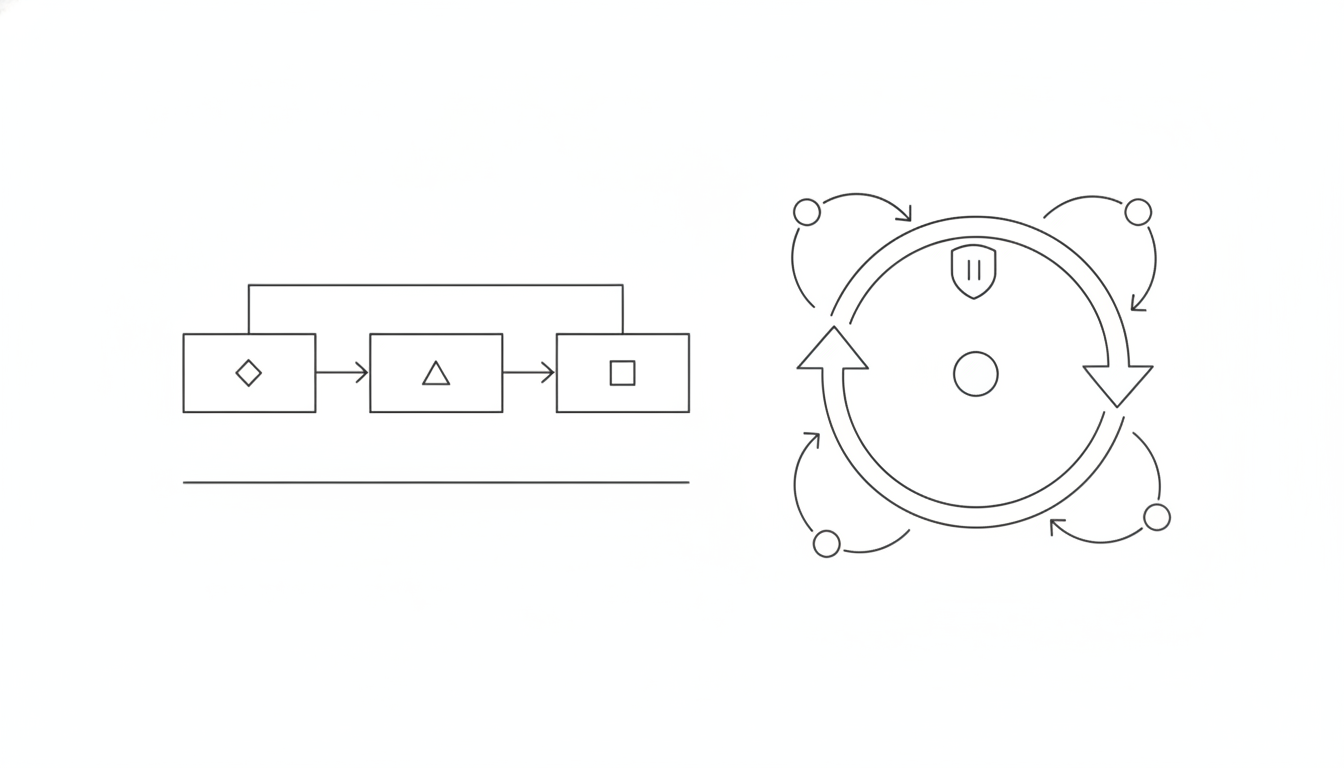
Loop engineering is the discipline of building reliable systems around AI agents that decide their own next steps. Boris Cherny, who created Claude Code at Anthropic, stopped prompting Claude entirely — loops prompt Claude now, and his job is writing the loops. That shift from manual prompting to autonomous systems is the defining change in how AI agents ship in 2026.
This guide explains why traditional software patterns fail for agent loops, the infrastructure principles that work, and how to test loops before they burn production budget.
What loop engineering actually is
Loop engineering is designing systems that prompt agents, check their work, handle failures, and decide when to stop — without human intervention at every step. The discipline emerged when teams realized that an agent with 85% per-step reliability produces only 20% end-to-end success across 10 steps. That's compounding failure, and it's the reason agent projects look promising in demos but fail in production.
According to Gartner, up to 40% of AI agent projects may be cancelled by 2027. The problem isn't model capability — it's the absence of infrastructure designed for loops that can fail silently, burn tokens on bad paths, and produce confident-but-wrong answers with no error signal.
Traditional software has deterministic control flow. Agent loops have probabilistic decision paths where the same input can produce different execution traces. That changes everything about how you build, test, and operate the system.
Why traditional patterns break
The fundamental mismatch: traditional software fails loudly with stack traces. Agent loops fail quietly with plausible-but-wrong outputs.
A chatbot answers one question. An agent pursues a goal across multiple steps, deciding which tools to call and when it's done. The difference is the loop — and loops introduce failure modes that don't exist in request-response systems:
| Traditional Software | Agent Loops |
|---|---|
| Deterministic paths | Non-deterministic reasoning |
| Fails with exceptions | Fails with wrong answers |
| Fixed cost per request | Variable cost per iteration |
| Debug with stack traces | Debug with reasoning traces |
| Test with input/output pairs | Test with goal completion |
According to Datadog's 2026 State of AI Engineering report, 5% of all LLM call spans in production return errors, with 60% caused by capacity failures, rate limits, and timeouts. Traditional retry logic amplifies the problem — the agent interprets "timeout" as "try a different approach" and loops back, burning $83 in a single session before anyone notices.
The compounding failure problem is structural. An agent that calls 10 tools sequentially, each with 85% reliability, succeeds end-to-end only 20% of the time. If step 3 returns slightly malformed data and step 4 processes it without validation, every downstream step works with corrupted context — producing confident, well-formatted, completely wrong results with no error raised.
Five principles that make loops production-ready
1. Hard caps are mandatory, not optional
Every loop needs three hard limits: maximum iterations, token budget, and wall-clock timeout. Without them, a single malformed request can run 60 LLM calls and generate a $9 bill before timing out.
The pattern: set max_turns based on task complexity (8-12 for support agents, 20-30 for research), enforce a per-trace cost cap (typically $0.50), and timeout after a fixed duration. When any limit hits, the loop stops and returns "I couldn't complete this within budget" — a graceful failure is more valuable than an expensive one.
Claude Code added native /goal loops in v2.1.139 on May 11, 2026, with a separate fast model grading progress after every turn. This architectural choice — using a second model to evaluate whether the primary agent is making progress — prevents loops that look busy but accomplish nothing.
What to enforce:
- Maximum iteration count (never let an agent loop forever)
- Token budget per trace (prevent cost runaway)
- Wall-clock timeout (5 minutes for most workflows)
- Per-tool failure cap (3 consecutive failures trips a circuit breaker)
2. Verifiable termination beats trust
The agent saying "I'm done" is not a termination condition. The loop must verify completion against external criteria: tests pass, the PR merges, the ticket closes, the user confirms.
The mistake teams make is treating the agent's final message as proof of completion. In production, agents confidently report success while leaving work half-finished or misinterpreting what "done" means.
The fix: deterministic checks run outside the agent's reasoning. For code changes, CI must pass. For support tickets, a classifier confirms the question was answered. For research tasks, required sections must be present in the output.
Termination conditions to implement:
- Explicit stop signal (agent calls a
finishtool) - External validation passes (tests green, human approves)
- Goal-progress timeout (no forward movement for 3 consecutive iterations)
- Hard iteration cap reached
- Cost or time budget exhausted
3. State checkpointing saves tokens and sanity
When a 20-step workflow fails at step 14, restarting from step 1 wastes the first 13 successful operations — and the tokens they consumed. Agents that checkpoint state after each successful step can resume from the last known-good position instead of restarting from scratch.
The pattern: persist a structured state object after every step that includes tool outputs (the actual data, not just "tool succeeded"), agent reasoning (decisions made at each branch), cumulative token spend, and failure context. Store this with known provenance so one tool's hallucinated output can't poison another tool's input.
State checkpointing is the difference between a $0.15 retry and a $2.50 full restart.
4. Observability must trace reasoning, not just requests
Traditional APM tracks HTTP status and latency. Agent observability must track which tool the agent chose, why it chose it, what it learned from the result, and whether that moved the goal forward.
The questions loop engineering answers:
- At which iteration did the loop first diverge from the optimal path?
- How many wasted iterations occurred before the agent corrected course?
- Did step 7 make progress toward the goal, or did it repeat work from step 4?
- What was the per-step token spend, and where did it spike?
Trace every iteration as a span trio: the LLM reasoning call, the tool execution, and the observation update. Tag each span with iteration number, goal-progress score, and cumulative cost. This makes runaway loops visible as repetitive, cascading spans — instantly distinguishable from healthy progress.
5. Human-in-the-loop gates are architecture, not scaffolding
The most damaging agent failures share a signature: the agent interpreted bounded instructions with broader permissions than intended, had no safety check, and produced an irreversible outcome before a human could intervene.
Human-in-the-loop isn't temporary training wheels you remove once the agent gets smarter. It's permanent architecture for production systems. The agents that survive know when to stop and ask. The ones that fail loudest are given too much surface area too early.
Where to add human gates:
- Before irreversible actions (deletions, external messages, financial transactions)
- After 3 consecutive tool failures (escalate to human queue)
- At confidence thresholds (agent admits uncertainty below 0.85 score)
- During initial deployments (approve the first 10 executions of any new workflow)
Testing loops before production
You can't validate loop reliability by reading logs. You need to see the loop actually fail, recover, and escalate in realistic conditions.
The gap most teams miss: unit tests prove individual tools work, but they don't prove the agent uses those tools correctly under real conditions. An agent that passes all mocked tests can still enter retry loops, misinterpret tool outputs, or abandon its goal halfway through when faced with unexpected responses.
Cast helps here by showing you what your loop actually does when running. Spin up AI personas with specific goals — a user who submits malformed input, a tester who deliberately triggers rate limits, a persona who abandons the workflow at step 8. Each persona runs your agent's loop in a real browser, records the full session as video, and writes feedback in their own voice: "I hit the retry limit and got stuck" or "The loop asked for approval but didn't explain what it was approving."
That's the difference between "the circuit breaker works in unit tests" and "a real user sees a clear error message instead of a silent hang."
When loop engineering pays off
Loop engineering makes sense when four conditions hold:
| Deploy Loop Engineering When… | Skip When… |
|---|---|
| Task is highly repetitive | One-off operations |
| Verification is fully automated | Manual judgment required |
| Token budget can handle exploration | Fixed-cost constraint |
| Agent has tool access to complete work | Human handoff needed at every step |
A loop that triages 100 support tickets overnight, tags each one, and drafts replies for human review is a good fit. A loop that "helps with strategy" but needs human judgment at every decision is prompt engineering with extra steps.
Related, more specific reading
Loop engineering is the principle; these are the concrete, narrower builds that put it to work:
- How to deploy AI agents on Cloudflare Workers (for a solo SaaS) — the real serverless architecture for running loops: Durable Objects for durable state, cron triggers, Workflows, and the human gate before deploy.
- What does it actually cost to run autonomous AI agents in 2026? — the full cost breakdown behind the hard caps above, and how to keep the meter bounded.
- Which AI agent actions need a human gate? — where to draw the line between what runs unattended and what waits for approval.
- A loop is not a prompt — why the shift from prompting to loop-writing changes how you build in the first place.
FAQ
How do I know if my loop needs observability?
If your agent makes more than one tool call per request, you need loop-level observability. The first production incident will cost more than the day it takes to instrument properly.
What's the minimum viable checkpoint state?
Tool name, tool input, tool output, timestamp. Everything else is an optimization. Start there and add fields when you see loops restarting from step 1 frequently.
Won't hard iteration caps prevent agents from completing complex work?
No. Complex work that legitimately needs 40+ steps should be decomposed into smaller goals with separate loops. A single loop running 40 iterations without human review is a production risk, not a feature.
Should I use a framework or build my own loop?
Use a framework (LangGraph, OpenAI Agents SDK, Claude Agent SDK) for the mechanics. The value you add is in the verification logic, termination conditions, and observability — not in reinventing the iteration engine.
How do I prevent loops from burning budget on edge cases?
Per-user rate limits, input length caps, query-type routing (simple queries get cheap handlers), and hard per-trace cost caps. Monitor cost-per-user descending to catch the top 5% burning 60% of budget.
Key takeaways
Loop engineering is designing autonomous systems around agents that decide their own next steps — the infrastructure that prompts, checks, retries, and stops without human intervention.
Traditional software patterns fail because agent loops are non-deterministic, fail silently with plausible-but-wrong outputs, and experience compounding failures where 85% per-step reliability produces 20% end-to-end success.
Five production principles: hard caps (iterations, tokens, time), verifiable termination (external checks, not agent self-report), state checkpointing (resume from last success), reasoning-aware observability (trace decisions, not just requests), and permanent human-in-the-loop gates (not scaffolding).
Test loops with realistic failure modes before production. Cast spins up AI users that actually run your loop, trigger edge cases, and report back where it breaks — the gap between "works in mocks" and "works for real users."
1mn builds the autonomous loops that run a one-person software business — product, marketing, and support — on a schedule. We write about what we learn shipping it.